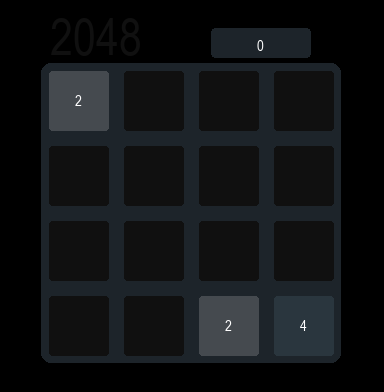
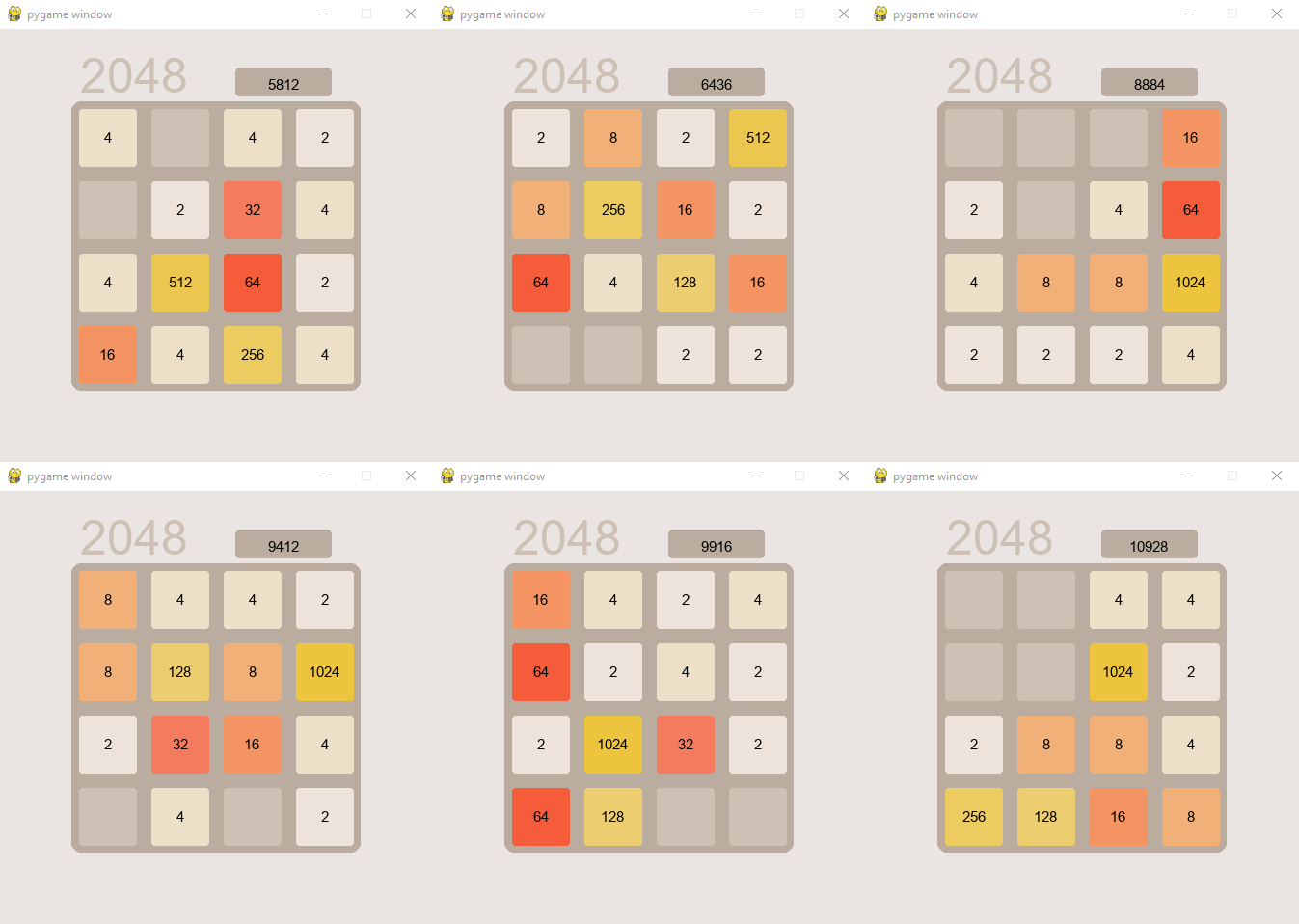
For the game I used pygame and Tkinter. Pygame was for the actual game and Tkinter was for the UI to choose whether to simulate or play the game. I created a Block class which was the super class of Board. To make it simpler I shifted a list in Python and then updated the GUI based on the board.
Here's the code for shifting left, which demonstrates the core game logic:
def shift_left(self):
    for i in range(len(self.board)):
        v=[]
        w=[]
        for j in range(len(self.board[0])):
            if(self.board[i][j] != 0):
                v.append(self.board[i][j])

        j=0
        while(j < len(v)):
            if(j < len(v) - 1 and v[j].size == v[j+1].size):
                v[j].set_size(v[j].size*2)
                w.append(v[j])
                self.score += v[j].size
                j+=1
            else:
                w.append(v[j])
            j += 1

        for j in range(len(self.board)):
            self.board[i][j] = 0
        j=0
        for it in w:
            self.board[i][j] = it
            j+=1
The code processes each row by collecting non-zero tiles, merging adjacent tiles with the same value, and then placing them back in the row from left to right.
Here's what the game looks like:
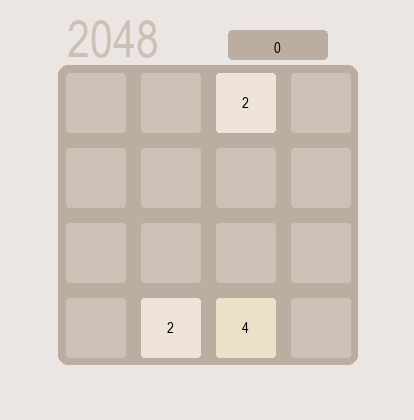
I also created a dark mode for the GUI: