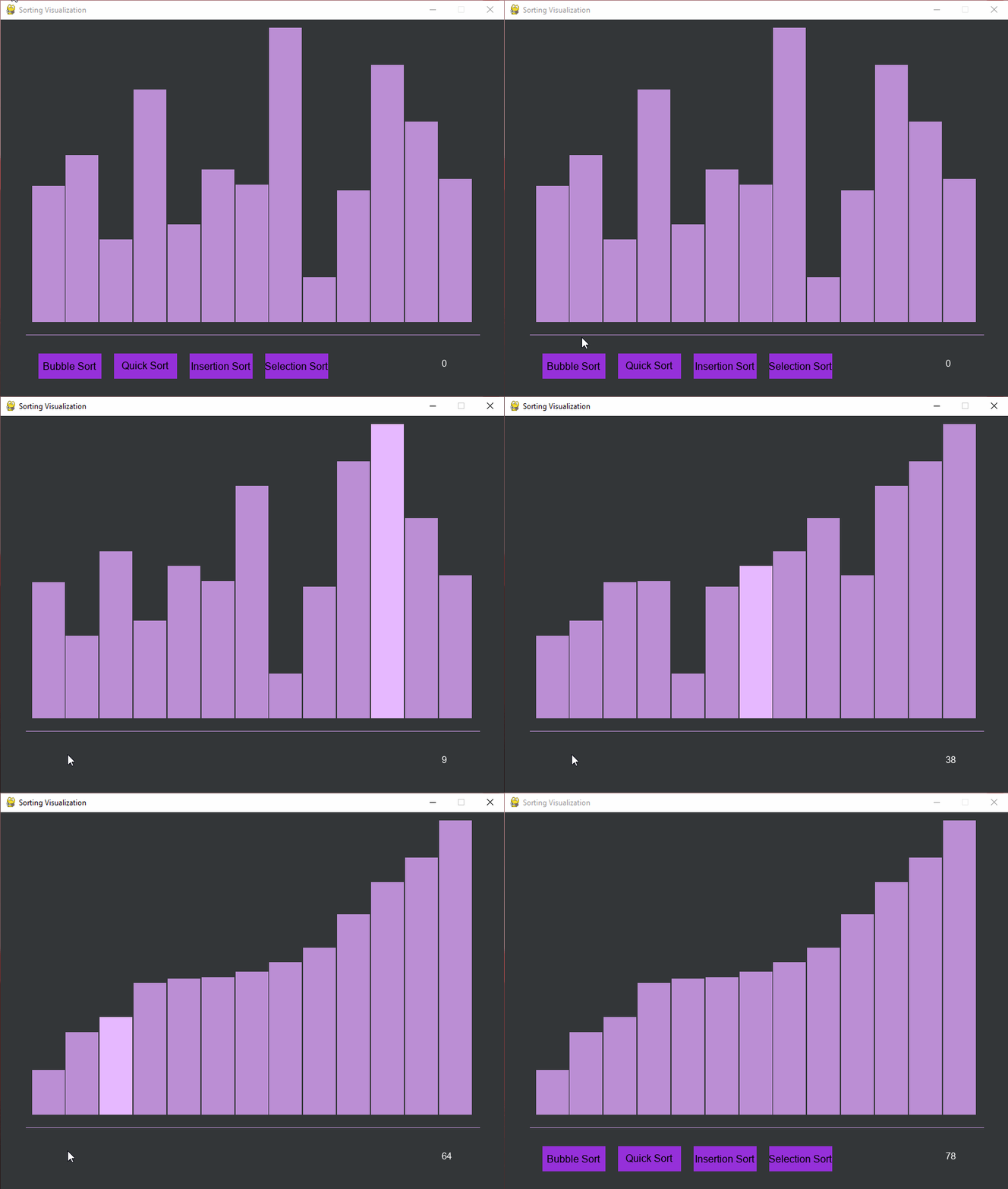
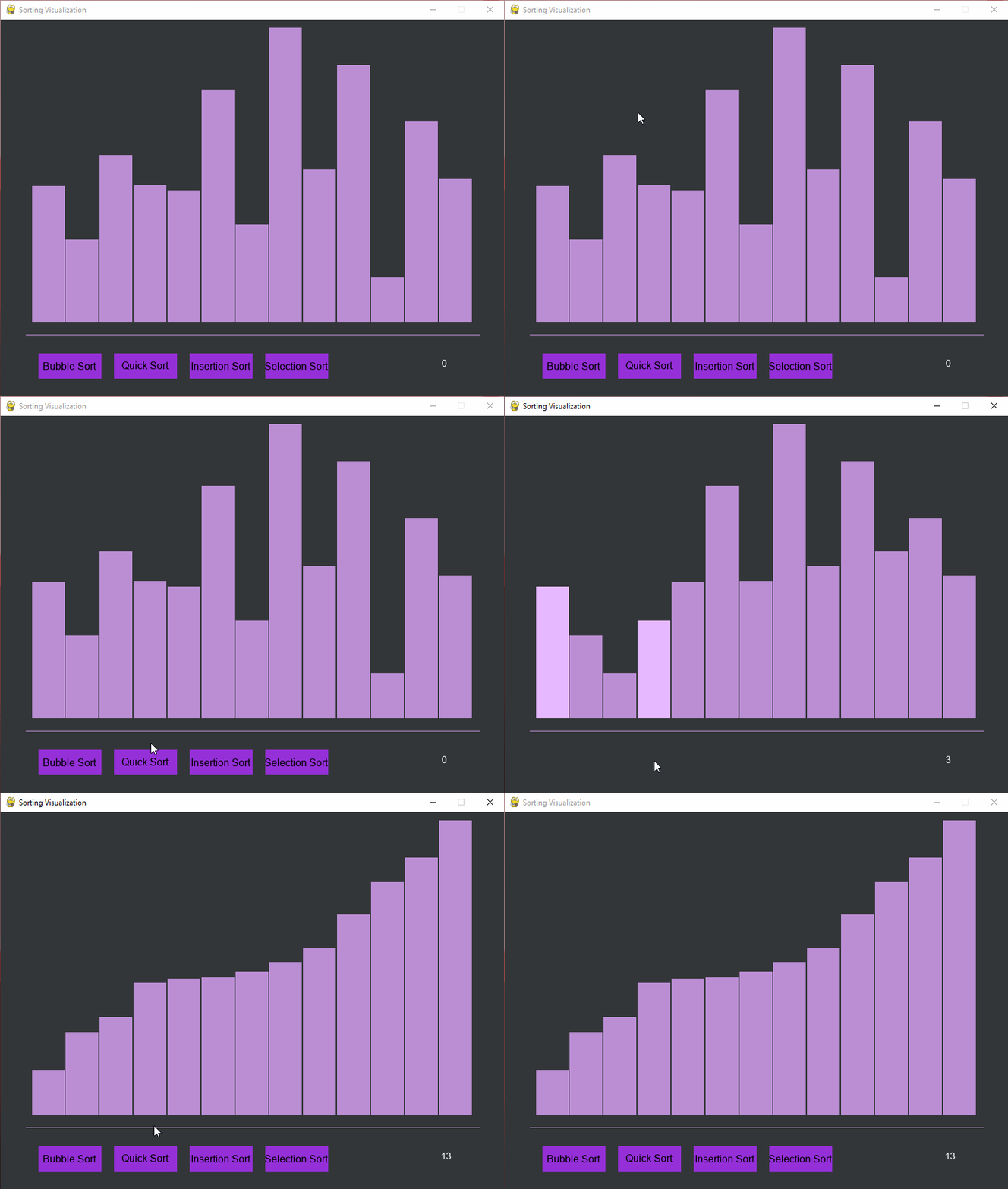
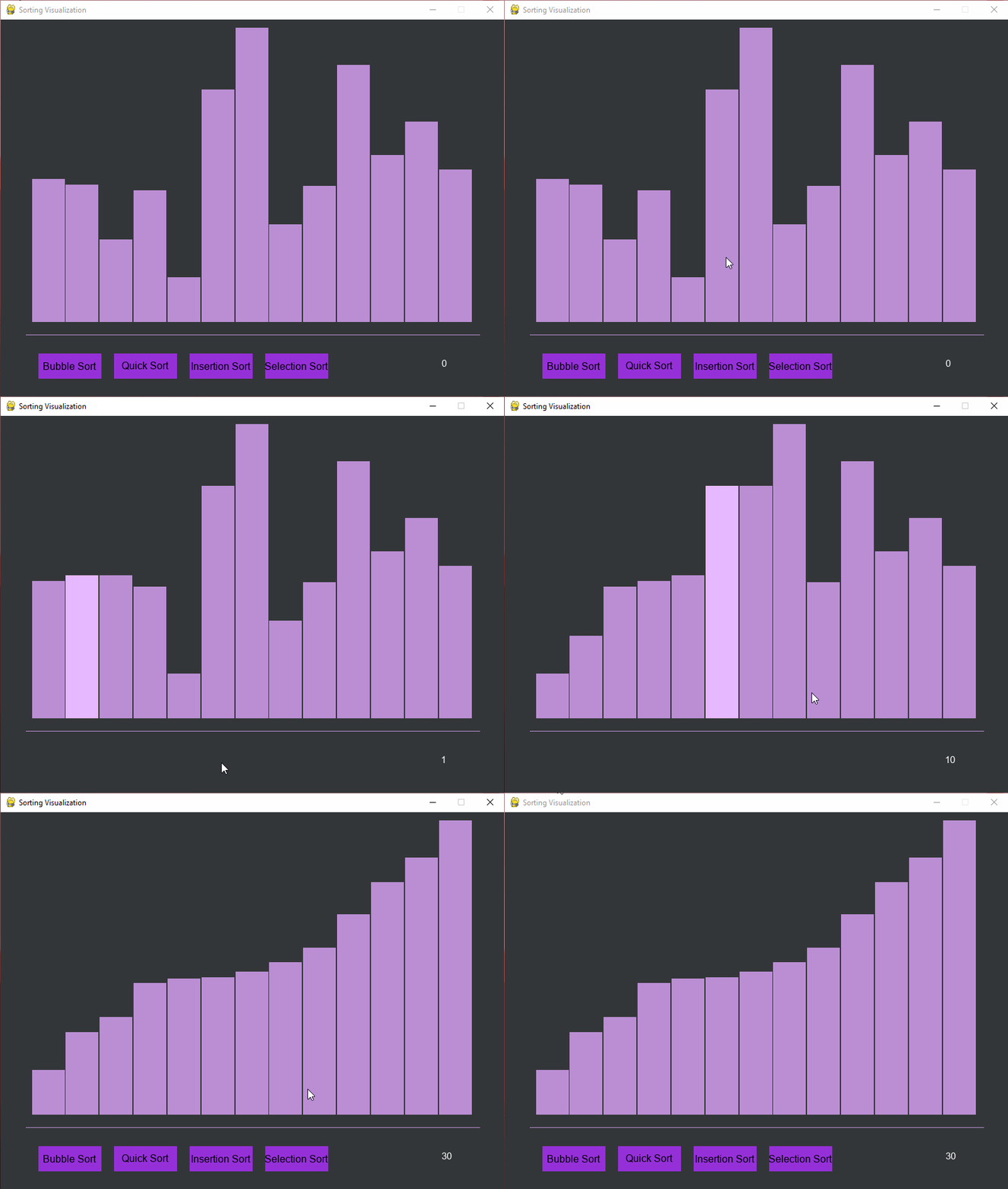
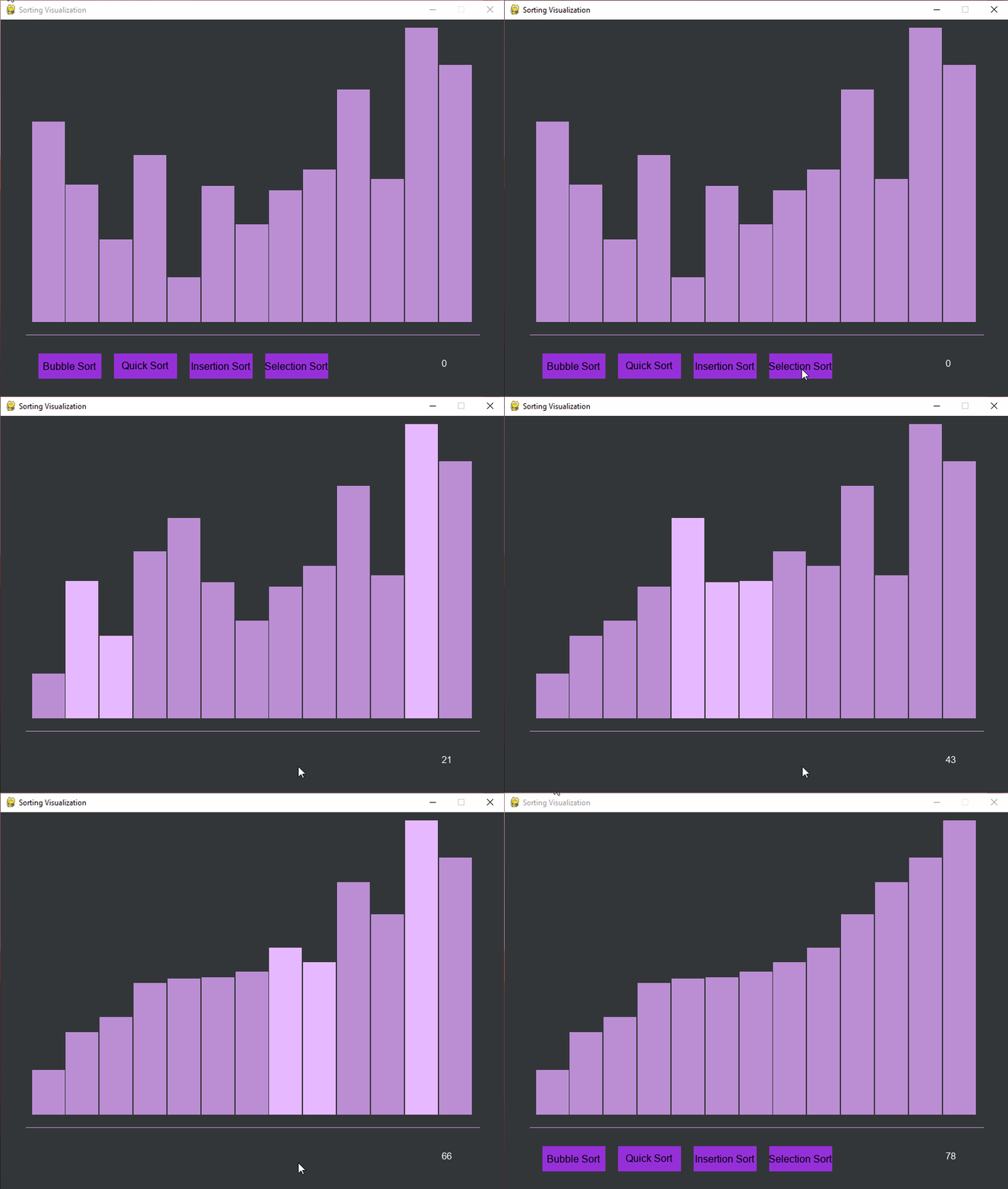
To create this I made a sorting class which had attributes such as the list that needed to be sorted, the speed at which to sort it, the size of each bar, etc. All the sorting algorithms were put into this class and to display them onto the screen I used a method called paint() each time the sorting method would make a comparison. Most of the other code is just the basic pygame implementation with a few additions like the custom buttons that change color when pressed.
Here's the paint() method that renders the visualization:
def paint(self):
    pygame.event.pump()

    for i in range(len(self.list)):
        pygame.draw.rect(self.surface, self.color, pygame.Rect(
            self.x + (self.size+self.space) * i,
            self.y-self.list[i],
            self.size,
            self.list[i]
        ))

    pygame.draw.line(self.surface, self.color, (40,500), (760,500), 1)
    comparisond = self.Font.render_to(
        self.surface,
        (700,540),
        str(self.iterations),
        (255,255,255)
    )
And here's an example of the bubble sort implementation with visualization:
def bubble_sort(self):
    for i in range(len(self.list) - 1):
        for j in range(len(self.list) - i - 1):
            if self.list[j] > self.list[j + 1]:
                t = self.list[j]
                self.list[j] = self.list[j + 1]
                self.list[j + 1] = t
            self.surface.fill(self.surfColor)
            self.paint()
            self.highlight(j+1)

            if(len(self.list) > 75):
                pygame.time.delay(int(1))
            else:
                pygame.time.delay(int(self.speed))

            pygame.display.update()
            self.iterations += 1
The visualization updates in real-time as the algorithm makes comparisons, showing the iteration count and highlighting the current elements being compared.